

Sign up with Google
- Open performax.ai/register.
- Click Continue with Google.
- Select the Google account to use.
- Approve the requested authentication permissions.
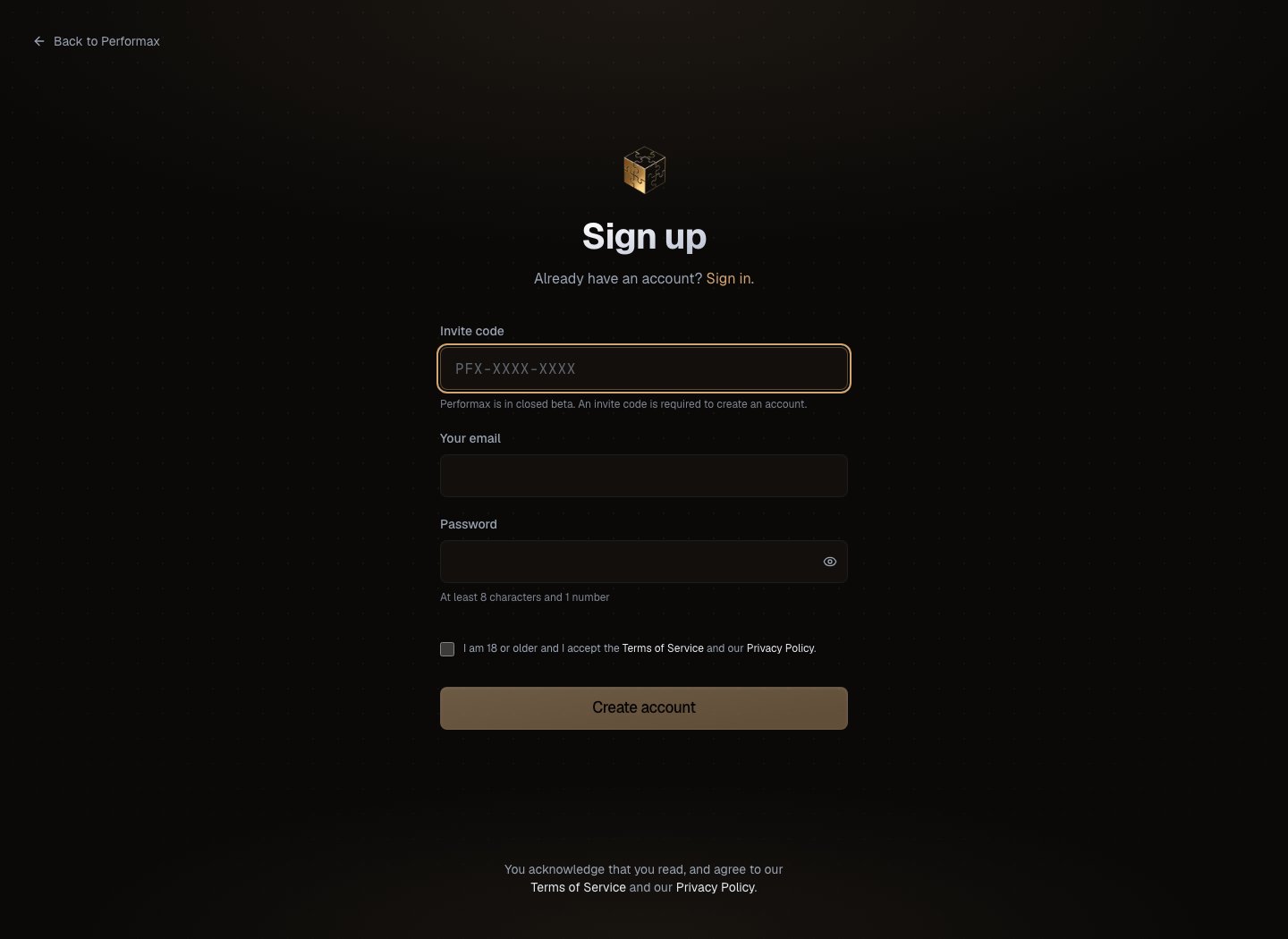
Sign up with email
- Open performax.ai/register.
- Enter your email.
- Choose a password.
- Complete the captcha.
- Click Create account.
- Open the confirmation email from
noreply@performax.ai. - Click the confirmation link.
Onboarding
After the first sign-in, Performax asks for:
You can skip exchange connection during onboarding and add it later from Settings → API & Exchanges.
Day-one state
After signup, expect:- Dashboard to show empty states until an exchange is connected.
- Journal to stay empty until first sync imports trades.
- AI Assistant to have limited context until trade history exists.
- Risk and Analytics metrics to require trades, balances, cashflows, and risk settings.