

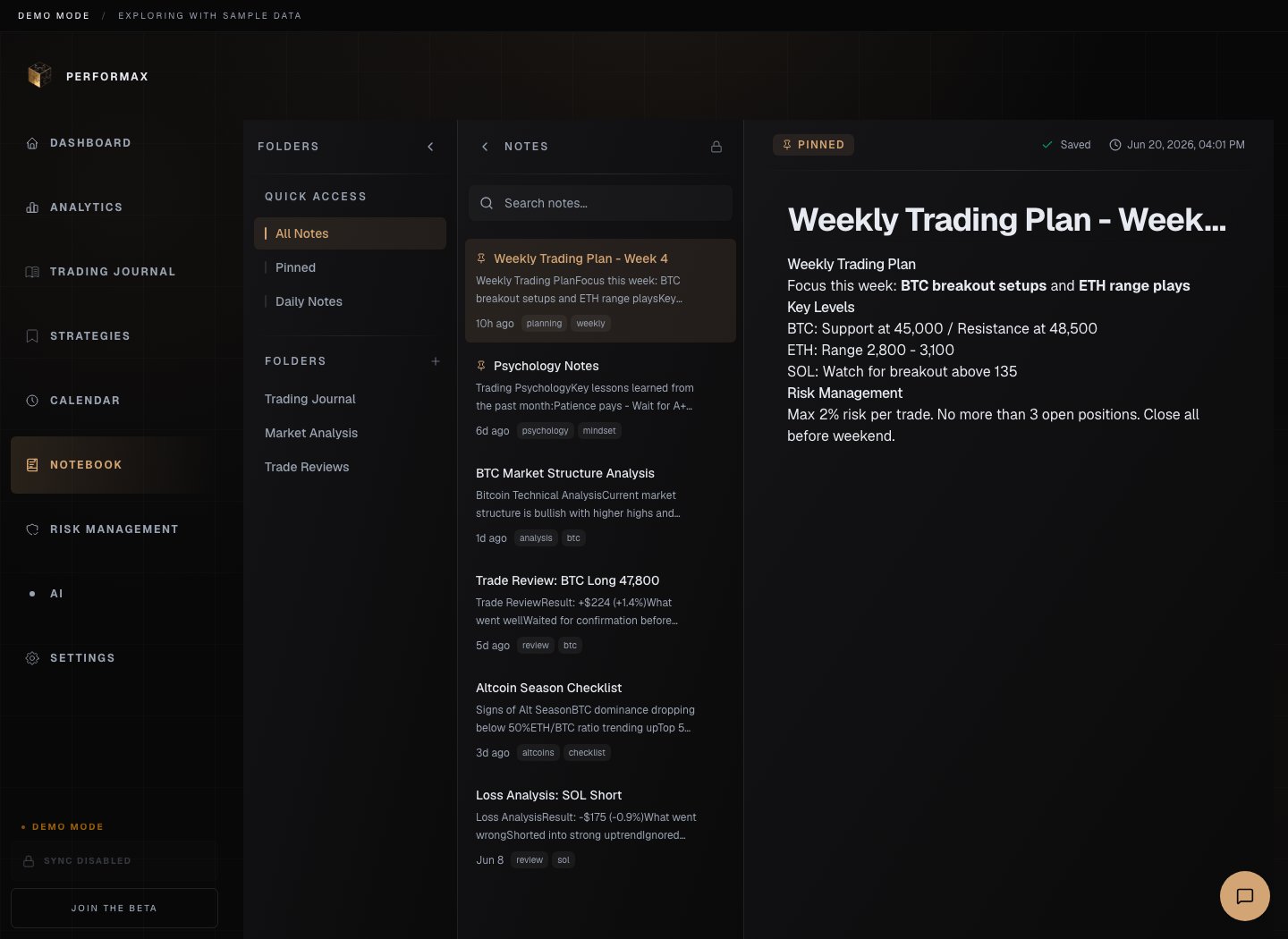
Folders
Use folders to group notes by topic:- strategies;
- market reviews;
- psychology;
- mistakes;
- weekly reviews;
- screenshots.
Notes
The editor supports rich text such as headings, lists, links, tables, and embedded images when the app allows uploads. Notes save automatically. Wait for save confirmation before closing the tab after a large edit.Daily entries
Create a daily note from Calendar or Notebook when reviewing a trading day. Good daily entries include:- market context;
- trades taken;
- rules followed or broken;
- emotional state;
- lesson for next session.
Images
Use screenshots for charts, setups, or mistakes that are easier to review visually. Do not upload screenshots containing API keys, account email, or unrestricted account balances unless you intentionally want them stored.Search and tags
Use search and tags to find repeated patterns across notes. Prefer short, consistent tags such astilt, late-entry, news, or breakout.