

Prerequisites
- A Performax account.
- Access to the exchange account or wallet you trade with.
- A read-only API key or token.
- No trading permission.
- No withdrawal permission.
- Passphrase for OKX or WEEX.
Safe connection flow
- Create a read-only API key on the exchange.
- Disable trading and withdrawal permissions.
- Copy the required credential fields once.
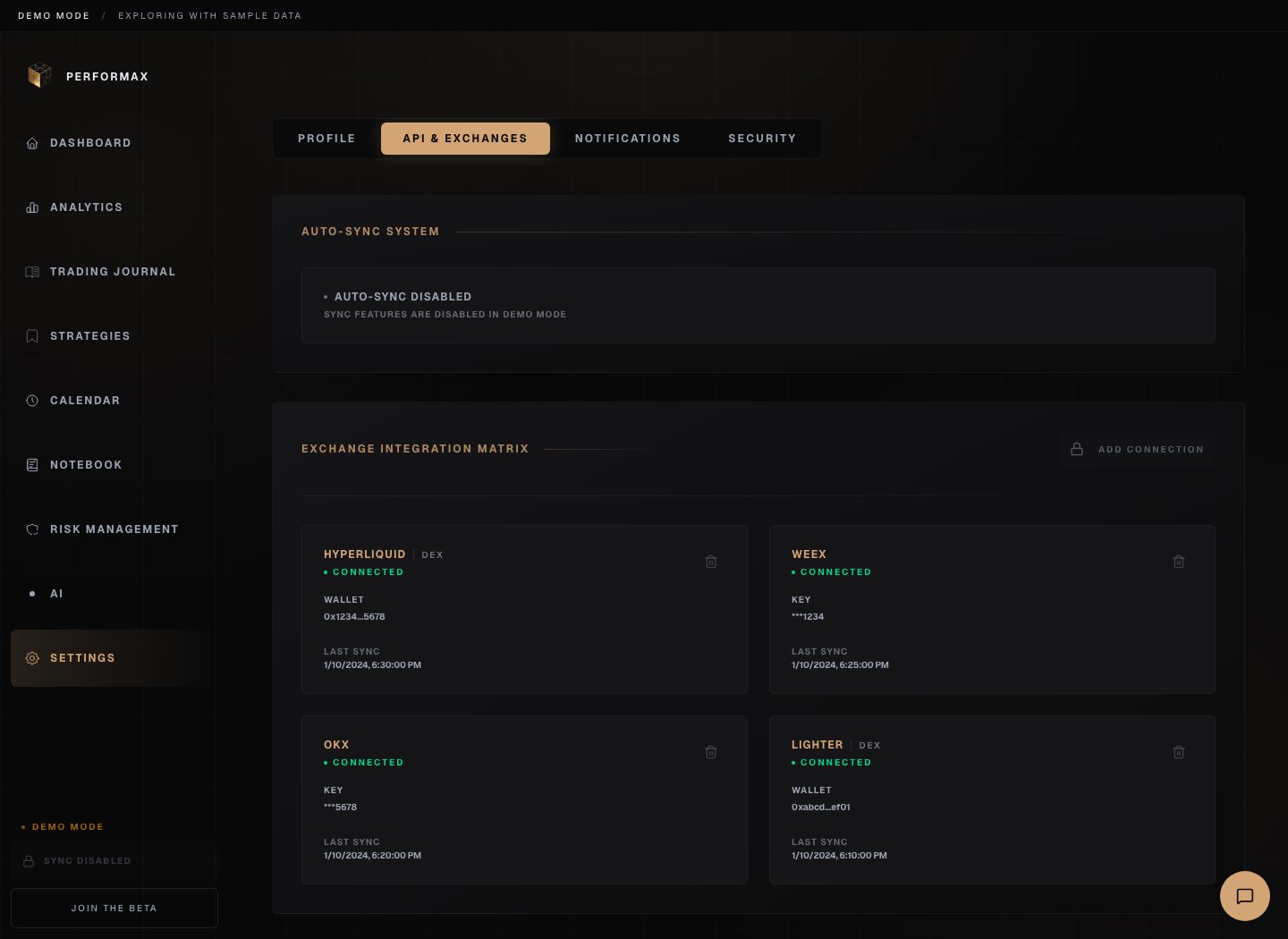
- Open Performax → Settings → API & Exchanges.
- Click Add Account.
- Select the exchange.
- Paste the required fields.
- Add a clear label, such as
OKX mainorLighter wallet 1. - Save.
Credential fields
If an exchange shows a secret only once, create a new key if you lose it.
When you add a Binance account you also choose which products to track: Spot, USD-M futures, and COIN-M futures. Spot and USD-M futures are selected by default; COIN-M is opt-in. See API Connections for the full Binance setup.
First sync
The first sync is the slowest. It can import:- closed trades;
- balances;
- open positions;
- funding and fee data where available;
- deposits and withdrawals where available.
Multiple accounts
Wallet-based exchanges can support multiple wallets. Centralized exchanges are limited to one connected account per exchange. Use the account selector on Dashboard, Analytics, and Journal views to narrow the scope when several accounts are connected.If sync fails
Check the account card in Settings → API & Exchanges. Common causes:- key was not read-only;
- trading or withdrawal permission is enabled;
- passphrase is wrong;
- IP restriction blocks Performax;
- exchange API is temporarily unavailable;
- account has no closed trades in the selected period.